

This is part 1 of a two-part series on agent skills.
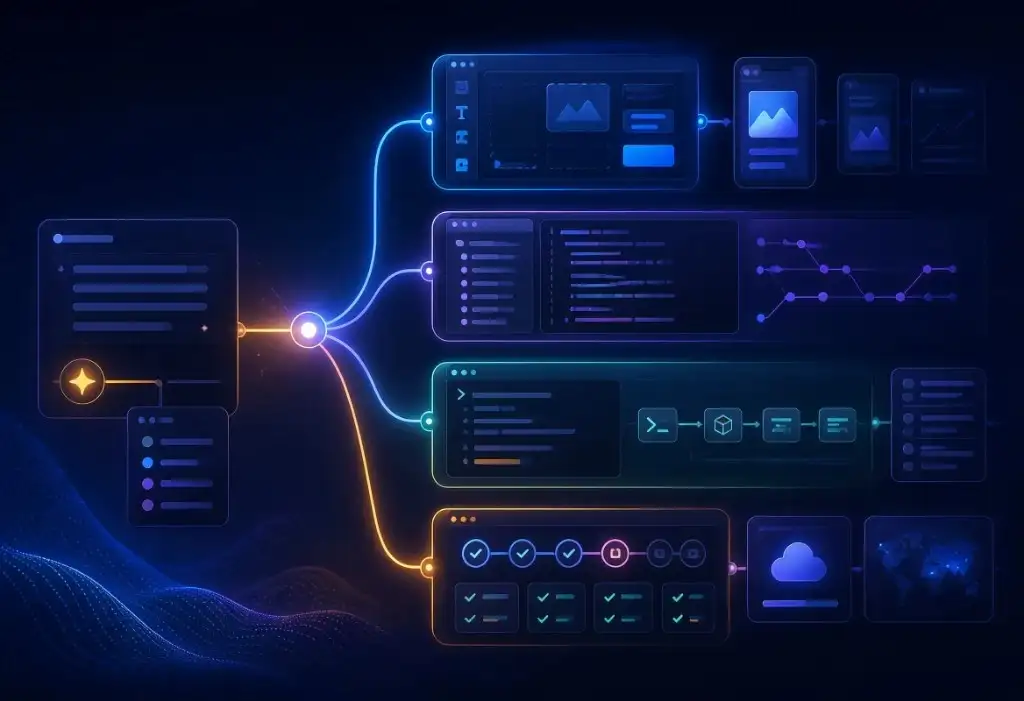
What are agent skills? They are named folders with a SKILL.md file that teaches an AI coding agent how to do a specific job: review a pull request, follow a deployment checklist, write a commit message, or run a security check. Unlike a long prompt you type once, a skill is reusable, discoverable, and loaded when the task matches.
Andrej Karpathy coined the term "vibe coding" in February 2025. He described accepting every change without reading the diffs, pasting error messages back into his coding tools, and iterating until the application mostly worked. The code became something he could influence without fully understanding it: when you "give in to the vibes", you don't need to look at the code.
What if you have a prompt you end up using repeatedly in your workflow? What if you could give your coding agents access to a library of your favorite instructions that they can choose from?
Anthropic shipped Agent Skills in October 2025 across its Claude products, solidifying the SKILL.md folder format for reusable instructions. Agents could now carry procedural knowledge without pushing a large amount of context into every session with a giant prompt. Once skills are created and installed, the model picks the ones it needs based on the prompt and context.
Creators and teams can install a playbook of approaches to tasks in their tools, instead of re-explaining the task or pasting the same instructions.
What agent skills are, and how they differ from AGENTS.md
What is in a SKILL.md?
It is the required file inside a named skill folder. It starts with a YAML "frontmatter" section that names the skill and describes when to use it. The rest of the file has instructions in Markdown format that the agent follows once the skill is activated. An example:
.agents/skills/build-ui-component/SKILL.md
---
name: build-ui-component
description: Build UI components with the project's existing styles. Use when asked to add a form, card, or dialog.
---

# Build a UI component

Implement the requested component using the project's existing
design system, reusable components, and coding conventions.
Do not add dependencies unless explicitly approved.

## Process

1. Inspect similar components and identify existing patterns to reuse.
2. If essential requirements are missing, ask before implementing.
3. Build the component with appropriate labels and keyboard support.
4. Handle relevant loading, empty, and error states.
5. Run the relevant checks and report what was verified.
The format is now an agent skills open standard. Cursor, Claude Code, VS Code, Codex, Gemini CLI, and Google Antigravity all use the same approach. It is a way to write down how specific work in a specific context should be done, and let any compatible agent pick it up.
A skill folder can also include optional scripts/, references/, and assets/ directories. The agent does not load all of that into its context at once. At startup the agent sees only each skill's name and description, about 100 tokens per skill. It loads the full SKILL.md into context when the task matches, then reaches for scripts or reference files only if the job needs them.
That is why a skill is different from a long prompt. The prompt is a one-off briefing. The skill is a playbook that sits in the repo, can be tracked and versioned, and is used only when it is relevant.
Some instructions are always on
For tasks and procedures that you want to apply on every prompt you can standardize using always-on instruction files. Tools use AGENTS.md, Cursor rules, and CLAUDE.md to give instructions to follow for this project in every session. Examples include consistent naming, which test commands to run, where secrets live, and what not to commit.
Confusing AGENTS.md vs skills produces a bloated AGENTS.md that fills up your agent context and can stop the agent selecting skills effectively. Standing guidance belongs in the always-on file. A procedure you only need sometimes belongs in a skill.
If you find yourself pasting the same five paragraphs into chat during certain prompt journeys, that can be turned into a skill. If you find yourself reminding every session that tests live in test/ and secrets should never be added alongside code, that is best added to AGENTS.md.
How to choose agent skills
Choosing the right skill is partly your job and partly the agent's. Here are 3 things that can help.
- Write a description the agent can use to choose the skill in the right circumstances. Each agent sees each skill's name and description at startup. Say what the skill does and when to use it. Vague descriptions can cause the skill to be missed or chosen in the wrong circumstances.
- Invoke it when the match is ambiguous. You can call a skill by name, typically
/skill-namein Agent chat. Some tools let you mark a skill so it never auto-fires, which is useful for procedures you only want to run when called on. - Do not expect the same model to follow the same skill the same way every time. LLMs are creative by nature and will not work the same way each time.
Skills as guardrails, not a production substitute
The Vibe Coding Wall is the point where each new prompt fixes one thing and breaks another. The demo can still look fine even though the codebase does not.
Skills do not replace architecture, tests, or a release process. They package the review and checklist work so the agent is less likely to recreate the same hole. Guardrails here means the playbook is in the repo, not that the demo is now production.
A skill that says "do not commit secrets" can be specifically applied. A skill that requires "this app to be ready for customers" is not a substitute for looking at authorization, data rules, and test coverage. We still treat vibe-coded prototypes as starting points, and we still rescue the ones that have product momentum but need a more rigorous process to safely go to market.
You can also control where skills are available. Most tools let you install a skill for a single project, so it lives in that repo, or for your user account, so it follows you across projects.
When AI agent skills help, and when they do not
When agent skills help
AI agent skills help when the work is repeated. Team conventions you are tired of re-briefing. A deployment checklist. Post-release log review. A security check that should run the same way consistently. Creation of new UI elements with a consistent style. Anything you find yourself pasting into chat repeatedly.
In a team, skills keep processes consistent and make collaboration easier. When everyone uses the same skills, we can get creative output from different models and still keep the same output formats and quality checks.
When a skill is the wrong tool
A skill is the wrong tool for a one-off prompt. When your prompt is being used regularly, create a skill.
Skills are not a substitute for verification or quality control, but can be used to create these processes. They do not make the model follow them the same way on every run. A check-my-code-for-secrets skill can be used directly by name or could be chosen by a model when asked about secrets in the code.
Skills for vibe code rescue
At Future Wonder, we are continually building out and refining skills for our team and our clients. We give our vibe coding clients skills that help their agents do more structured vibe coding, which introduces fewer problems in the underlying code. Once installed, their agents can apply these skills as part of their normal process or when prompted. See how our AI-assisted approach works in Charioteering a New Internal Finance Application.
What is Charioteering? An approach to AI-assisted development
Charioteering is where our Future Wonder team iterates on both the product look and feel and the underlying code at the same time. It combines multiple models using the same skills or prompts to get different opinions, followed by a summarization step to create the best overall response. Our experienced engineers provide human review on the results, and using skills helps us collaborate better around consistent output.
Vibe coding is fast because it is results-driven. You describe the outcome, the tool generates the app, and you keep prompting until the demo works. Fast prototyping gets code tested by humans sooner, and it is how a large share of new products now start and receive feedback quickly. Charioteering drives correctness and quality in the underlying code alongside the user product experience, creating a product that is ready to launch.
Skills are one part of how our team develops with AI assistance. In part 2 we will dive into some more practical examples and details based on our team and our clients' experiences.
If you are past the demo and need to create a robust release process that can survive the next prompt, contact us.